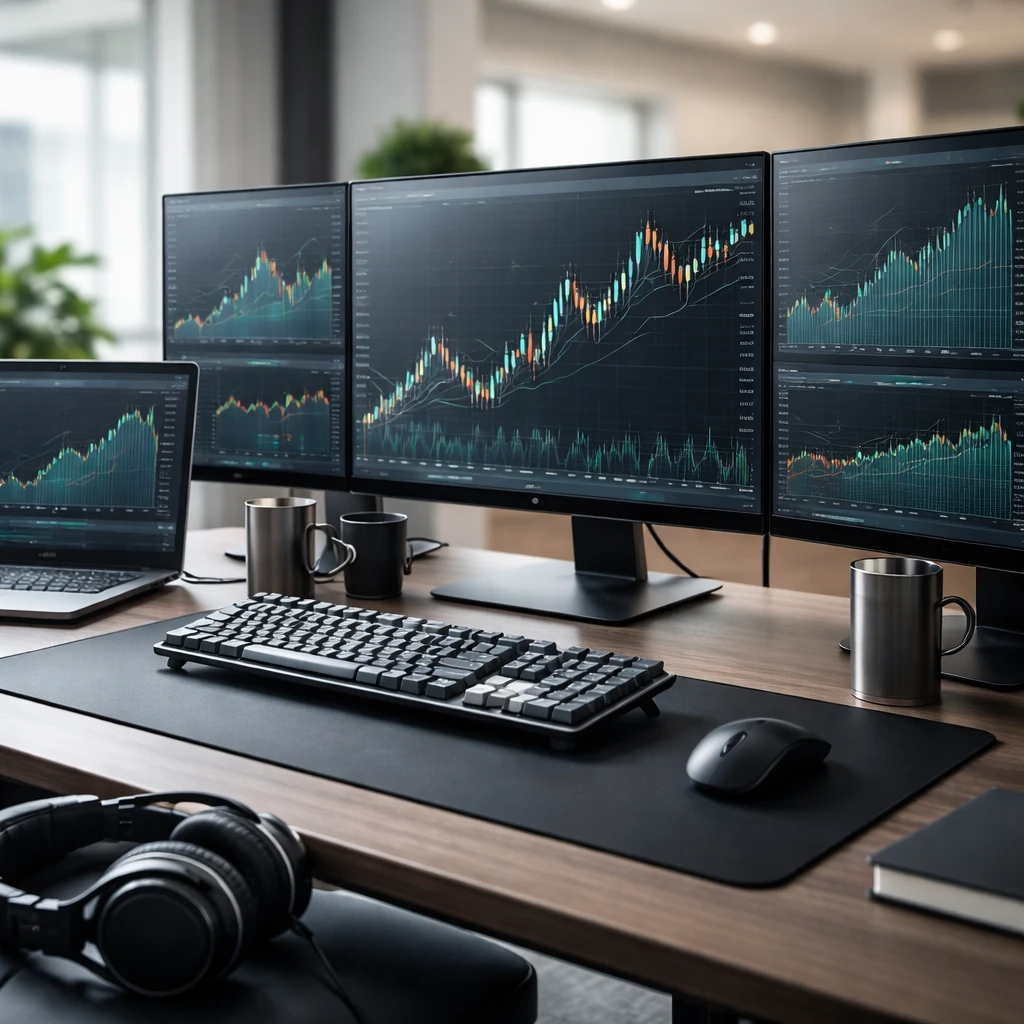

Successful stock trading depends not only on good strategies but also on a reliable system to execute those strategies consistently and safely. A well-built trading infrastructure lays the foundation for disciplined decision-making, efficient trade execution, effective risk management, and the ability to handle unexpected challenges. This guide will walk you through the essential components of building a robust stock trading infrastructure suited for beginner and intermediate traders to elevate their trading performance.
Why Trading Infrastructure Matters
Trading infrastructure includes the hardware, software, data feeds, workflow routines, and contingency plans that allow you to research markets, place orders, monitor trades, and manage risk smoothly. Without a dependable setup, even the best strategies can fall short due to delays, errors, or emotional stress.
- Consistency: Enables you to execute your trades according to plan with predictable reliability.
- Speed and Efficiency: Supports timely order placement and swift responses to market changes.
- Risk Control: Helps manage and monitor risk exposures effectively through accurate data and alerts.
- Emotional Discipline: Reduces technology-induced stress and decision fatigue.
Core Components of a Reliable Trading Infrastructure
Building your trading infrastructure can seem daunting, but by breaking it down into key components, you can develop a tailored system step by step.
1. Hardware Setup
- Computer: Choose a fast, reliable computer with enough processing power and memory to handle multiple applications—charting software, brokers' platforms, and research tools—without lag.
- Monitor(s): Multiple monitors offer better visibility of charts, order windows, and news feeds simultaneously. Decide based on your budget and space but at least dual screens are recommended.
- Internet Connection: Use a fast, wired broadband connection to minimize latency and ensure stable order execution. Avoid relying solely on wireless networks.
- Backup Power: Consider an uninterruptible power supply (UPS) or laptop batteries to handle short outages and prevent abrupt disconnections during trading.
2. Software and Platforms
- Trading Platform: Select a broker platform that fits your trading style, offers robust order types, real-time data, and good execution speed. Test platform reliability and customer support.
- Charting and Analysis Tools: Use software that lets you view price action, indicators, and alerts. Many brokers include these; alternatives like TradingView or Thinkorswim provide advanced capabilities.
- Market Data: Ensure access to accurate and timely market data, including prices, volume, and news, ideally with minimal delay (real-time or near real-time).
- Risk Management Tools: Use tools for stop-loss orders, alerts, and position size calculators integrated into your platform or external apps.
3. Workflow and Routine Processes
Establishing repeatable workflows helps maintain discipline and reduces distractions and errors.
- Pre-Market Preparation: Review watchlists, news, economic calendar, and set alerts for key levels or events.
- Trade Execution Routine: Use checklists for entries, exits, and position sizing to guide order placement systematically.
- Monitoring and Adjustment: Monitor open positions actively but avoid micromanaging. Adjust stops or take profits based on predefined rules.
- Post-Trade Review: Log trades with details in a journal to analyze results and improve strategy.
4. Contingency Planning
Unexpected technical or personal disruptions are inevitable. Being prepared minimizes impact.
- Backup Devices: Have a secondary device or mobile trading app ready if your primary system fails.
- Alternative Internet: Consider a mobile hotspot or secondary ISP as a fallback.
- Order Execution Plans: Know how to use stop orders to protect positions if you lose connectivity.
- Emergency Contact and Support: Maintain broker and platform support contacts for urgent issues.
Checklist: Building Your Trading Infrastructure
- ✔ Purchase a reliable computer with sufficient CPU power and memory.
- ✔ Set up dual or multiple monitors as budget allows.
- ✔ Get a high-speed wired internet connection, with a backup option if possible.
- ✔ Choose a broker with a robust trading platform and fast execution.
- ✔ Select charting and analysis software that fits your strategy needs.
- ✔ Verify quality and timeliness of your market data feeds.
- ✔ Establish daily routines for pre-market prep, trade execution, and review.
- ✔ Develop contingency plans for technical failures and emergencies.
Worked Example: Setting Up a Trading Station
Sarah is a beginner swing trader focusing on U.S. stocks. Here's how she builds her trading infrastructure:
- She buys a mid-range laptop with 16GB RAM and a quad-core processor to run charting software smoothly.
- She adds an external 24-inch monitor for better chart display and multi-window management.
- Her internet is a wired fiber-optic install providing 100 Mbps download speed.
- She selects a well-known brokerage platform offering real-time data and advanced order types.
- She subscribes to a reputable market news feed and integrates it into her platform.
- Sarah creates a daily routine checklist: pre-market scanning from 8:30-9:15 AM, placing trades, and reviewing trades post-market.
- She sets up a mobile hotspot as backup and keeps the broker support number handy.
- Sarah practices using her platform's stop-loss and alert functions before live trading.
This setup enables her to trade confidently with minimal technical interruptions and ample data for decision-making.
Common Mistakes to Avoid
- Overloading Hardware: Trying to run too many programs on inadequate machines, causing slowdowns and lost opportunities.
- Ignoring Internet Stability: Relying solely on unstable Wi-Fi or slow connections can delay orders or cause disconnections during critical times.
- Neglecting Backup Plans: Without a contingency plan, unexpected outages can lead to unmanaged risk and losses.
- Skipping Routine Processes: Trading without structured preparation and review routines increases impulsive trades and errors.
- Choosing Inappropriate Platforms: Using a broker or software that does not fit your trading style leads to frustration and poor execution.
Practice Plan (7 days)
- Day 1: Audit your current hardware and internet setup; list advantages and limitations.
- Day 2: Research and compare trading platforms and charting software that fit your style.
- Day 3: Set up a simple hardware and software workflow, install platforms, and test their speed and functionality.
- Day 4: Create a detailed daily trading routine checklist covering preparation, trading, and review.
- Day 5: Design a basic contingency plan detailing backup devices and connectivity solutions.
- Day 6: Practice placing trades in a paper trading environment using your platform, testing order types, stops, and alerts.
- Day 7: Reflect on your infrastructure setup, identify any gaps or frustrations, and plan adjustments.
Key Takeaways
- Building a robust trading infrastructure is essential for consistent, disciplined execution and risk management.
- Focus on reliable hardware, fast and stable internet, suitable software platforms, clear routines, and contingency planning.
- Regularly test and refine your setup to identify and fix weaknesses before live trading impacts you.
Risks and Pitfalls
- Technology Failures: Hardware or software glitches can cause missed opportunities or unmanaged risk without backups.
- Slippage and Execution Delays: Inadequate execution speed or unstable data feeds can lead to execution at unfavorable prices.
- Overtrading from Stress: Poor infrastructure or chaotic workflows can increase stress and impulsive, poorly timed trades.
Disclosure: This article is for educational purposes only and does not constitute financial advice. Trading involves risk, and you should always conduct your own research and consult with a financial advisor before making trading decisions.