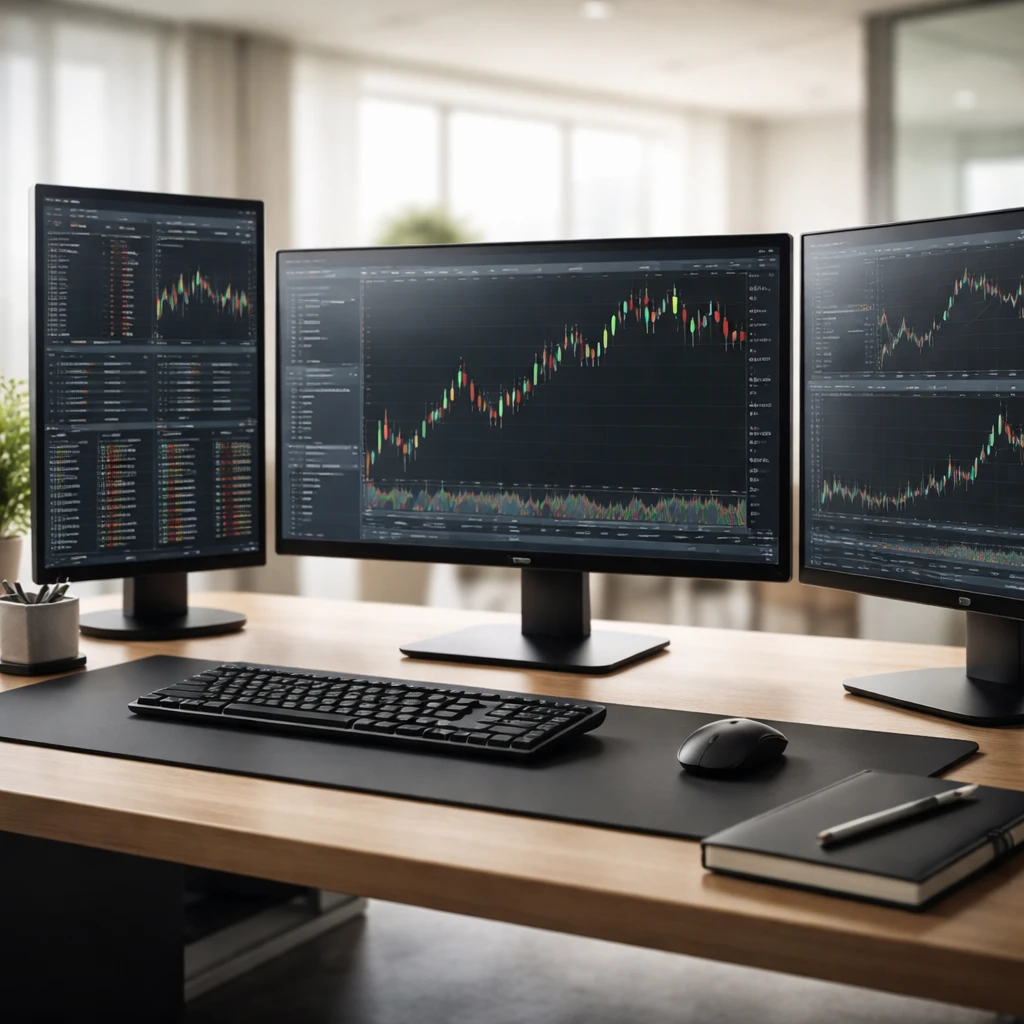

Stock trading is not just about choosing the right stocks or strategies; it also depends heavily on the quality and reliability of your trading infrastructure. A robust infrastructure supports consistent order execution, provides accurate and timely data, and helps manage risk effectively. Without a solid foundation, even the best strategies may falter due to technical glitches, delayed information, or poor trade execution.
What Is a Trading Infrastructure?
Trading infrastructure encompasses the combined hardware, software, data links, execution platforms, and processes that enable a trader to place and manage trades efficiently and reliably. It ensures that your trading decisions translate into smooth executions with minimal errors, slippage, or downtime.
Why Building a Reliable Infrastructure Matters
- Execution Quality: Faster, more reliable order placements reduce slippage and missed opportunities.
- Data Accuracy: Timely market data supports better decision-making.
- Risk Management: Enables quick responses to market changes and effective trade management.
- Discipline and Consistency: Structured workflows and routines reduce emotional errors and improve focus.
Key Components of a Robust Trading Infrastructure
1. Hardware
- Computers: Invest in a reliable desktop or laptop with sufficient processing power, memory (minimum 8GB RAM recommended), and fast SSD storage for quick data handling.
- Internet Connection: A stable, high-speed internet connection (minimum 50 Mbps recommended) with backup options like a mobile hotspot or separate provider connection.
- Monitors: Multiple monitors (2-3) improve your ability to monitor charts, news, and orders simultaneously.
- Uninterruptible Power Supply (UPS): Protects against power outages and system crashes during critical trading times.
2. Software
- Trading Platform: Choose a reputable platform with robust order types, quick execution, and reliable connectivity to your broker.
- Charting and Analysis Tools: Use software that offers real-time data, customizable indicators, and alerts suited to your strategies.
- News Feed and Alerts: Access to real-time news and economic calendars keeps you informed of market-moving events.
- Backtesting and Journaling Software: Helps in strategy validation and performance tracking.
- Antivirus and Security Tools: Protect your devices and data from malware and hacking.
3. Data Feeds and Brokerage Service
- Reliable Data Provider: Ensure your data feed offers minimal latency and accurate price/volume information.
- Trusted Broker: Choose a broker with competitive fees, low slippage history, good execution speed, and stable connectivity.
4. Workflow and Trade Execution Process
- Pre-Trade Preparation: Routine to review watchlists, market conditions, and economic events.
- Order Entry Procedures: Use checklists to verify order size, price, stop-loss levels, and order types before submission.
- Trade Monitoring: Use alerts and platform features to monitor open positions and manage risks actively.
- Post-Trade Review: Regularly analyze trade outcomes using journal data for continuous improvement.
5. Contingency and Backup Plans
- Backup Internet Access: Use a secondary connection to maintain trading access if your main internet fails.
- Alternative Trading Devices: Have a tablet or smartphone setup ready for emergency access.
- Power Backup: UPS or generator to handle short outages.
- Emergency Contacts: Know how to contact your broker quickly if technical issues arise.
Checklist: Building Your Trading Infrastructure
- Assess and upgrade your computer hardware, adding SSDs, RAM, and multiple monitors as needed.
- Secure a high-speed, stable internet connection with backup options.
- Select and install a reliable trading platform aligned with your broker.
- Set up real-time data feeds and news sources relevant to your trading style.
- Establish workflow routines: pre-trade preparation, order entry checklists, and post-trade reviews.
- Develop contingency plans: backup devices, power, and internet, plus communication protocols.
- Regularly test all systems before market open to identify and fix issues promptly.
Worked Example: Setting Up Infrastructure for a Swing Trader
Scenario: Jane is a swing trader holding positions for several days. She typically analyzes 20 stocks and uses stops and alerts to manage trades.
- Hardware: Jane upgrades her laptop to a 16GB RAM model with a 1TB SSD, adds a second monitor, and installs a UPS for power backup.
- Internet: She selects a fiber-optic plan offering 100 Mbps and sets up a 4G mobile hotspot as a backup.
- Software: Jane uses a well-known trading platform with advanced charting and integrates a real-time news feed focused on economic data and relevant sectors.
- Broker: She chooses a broker known for low commissions and good trade execution metrics.
- Workflow: She drafts a daily pre-market checklist reviewing earnings calendars and overnight news, reviews her watchlist, and sets alerts for key price levels.
- Order Execution: Before placing orders, Jane verifies position size does not exceed her 1% risk per trade limit, checks stop-loss levels, and uses limit orders to control entry price.
- Contingency: Before market open, Jane tests her backup internet devices and makes sure her phone’s trading app is linked for emergencies.
This setup helps Jane enter and manage trades efficiently with confidence that technical failures will minimally disrupt her trading routine.
Common Mistakes to Avoid
- Neglecting Backup Solutions: Relying on a single internet provider or device increases risk of trading disruptions.
- Overcomplicating Software: Installing excessive analysis tools can lead to distraction and slow systems.
- Ignoring System Tests: Failing to test systems regularly risks surprises mid-trade.
- Lack of Routine: Skipping workflow checklists increases the chance of entry errors and emotional decisions.
- Inadequate Security: Overlooking cybersecurity can expose trading accounts and data to breaches.
Practice Plan (7 days)
- Day 1: Inventory your current hardware and internet setup; identify potential weaknesses.
- Day 2: Research and list software platforms matching your trading style.
- Day 3: Draft your daily trading workflow including pre-trade preparation, order entry checklist, and post-trade review.
- Day 4: Setup and test alternative internet access, like mobile hotspots or secondary providers.
- Day 5: Configure alerts and news feed filters for your watchlist stocks.
- Day 6: Run a dry test of your order entry process with your checklist before market open.
- Day 7: Perform a contingency drill: simulate a system failure and use backups to manage trades.
Key Points
- A reliable trading infrastructure combines quality hardware, software, data, and workflows to support disciplined trading.
- Backup systems and contingency planning are essential to handle unexpected trading disruptions smoothly.
- Regular testing and use of structured workflows reduce errors, improve execution, and safeguard your trading capital.
Risks and Pitfalls
- Technical Failures: Poor hardware or internet can cause missed or delayed trades, increasing slippage and risk.
- Overreliance on Tools: Excessive or complex software may slow response time and create confusion.
- Insufficient Preparation: Lack of routine testing and contingency measures can lead to costly errors during market volatility.
Disclosure: This article is for educational purposes only and does not constitute financial advice. Trading involves risk and you should conduct your own due diligence or consult an advisor before making investment decisions.